New add-on voice: SpeakJet vox
I guess that I don’t have to present the SpeakJet anymore 😉
Let me highlight some of the functionalities that make this chip a very entertaining one to operate.
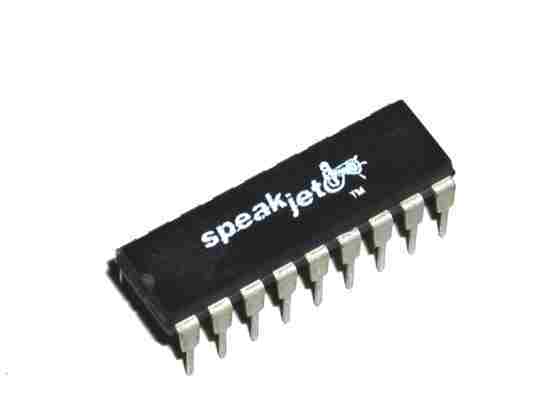
The chip
Natural phonetic speech synthesis.
SpeakJet uses allophones that can be chained to produce words, but it continuously calculates how to best transition them for a realistic speech.
Four special prosodic codes (\SLOW \FAST \STRESS \SOFT) allow the user to fine-tune the expression of the next allophone :
alphabet: \AY \LO \FAST \FF \FAST \AX \STRESS \SOFT \BE \EY \SLOW \TT
Further tuning with the Rate, Pitch, Bend, and Volume parameters adds to the quality of the speech.
These parameters are fully accessible via CV control.
43 sound effects, and 12 DTMF Touch Tones
Using these sound effects can create authentic glitches and beep sequences.
Programmable, 5-channel synthesizer
The SpeakJet is also a tone synthesizer that can create complex sounds (this is not covered by our code yet)
Our code
In this first code release, I implemented the following functions :
Allophone
The user can choose which group to play: Vowels/Voiced/Voiced Stop/Voiceless/All Allophone/All Effects/DTMF
The priority can be given to:
- the Gate signal (Gate mode)
- optimized transitioning (Queue mode)
- to the allophone timing itself (Speech mode)
Number
There are three modes to generate numbers: CV controlled, Looping or Random.
SD DIC
The code will read a phonetic file and allow the user (or the code in the loop and random mode) to choose a line from that file.
Example of the file content:
along: \UX \LO \OH \OH \SLOW \NGO
alpha: \AY \LE \FAST \FF \UX
alphabet: \AY \LO \FAST \FF \FAST \AX \STRESS \SOFT \BE \EY \SLOW \TT
already: \AW \LE \FAST \RR \EY \DE \IY
also: \SLOW \AW \SLOW \LO \SLOW \SO \OWWW
although: \FAST \OH \SLOW \LO \DH \SLOW \OWWW
always: \SLOW \AW \LE \WW \EYIY \SLOW \SE
There is a huge collection of words to get you started :

135400 Words in phonetic for SpeakJet (CMUDict)

User control
The potentiometer P1-P5 affects the pitch, rate, bend, repeat, and volume.
While playing with the interface, the display contextually shows the information about the changes made (rotary, switch, and potentiometers)
A long click brings the user back to the main menu.
A double click in the SD DIC mode brings the user to the file selection menu.
There is a screen saver that will activate after 10 minutes. Turn the rotary to reactivate the display.
