Talko Terminal

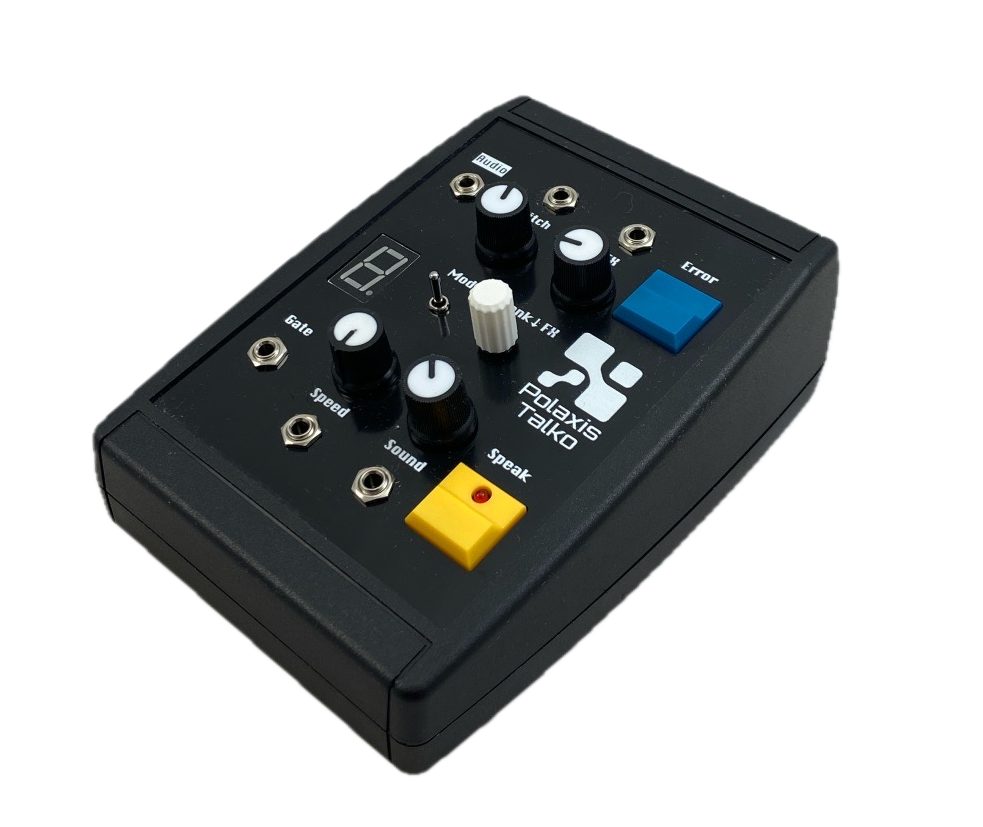
Talko Terminal is here.

After the success of Emy in the Terminal desktop format, Talko now comes in the same proven enclosure.

Inside, it’s the full Talko Eurorack module, offered as a standalone tabletop unit — USB-powered, compact, and perfect for anyone who wants Talko without a rack.

It runs the complete Talko2 engine: numbers, alphabets, phonemes, classic phrase banks, real-time pitch and speed control, plus the new Error mode for continuous glitch textures.

A 7-segment display shows the active bank or effect.

Talko Terminal includes a USB-C port for power, serial communication, and UF2 drag-and-drop firmware updates, making hacking and experimentation easy.

A key advantage over the Bricky version: you get direct USB access, so there’s no need to open the case to communicate with Talko or flash new firmware.


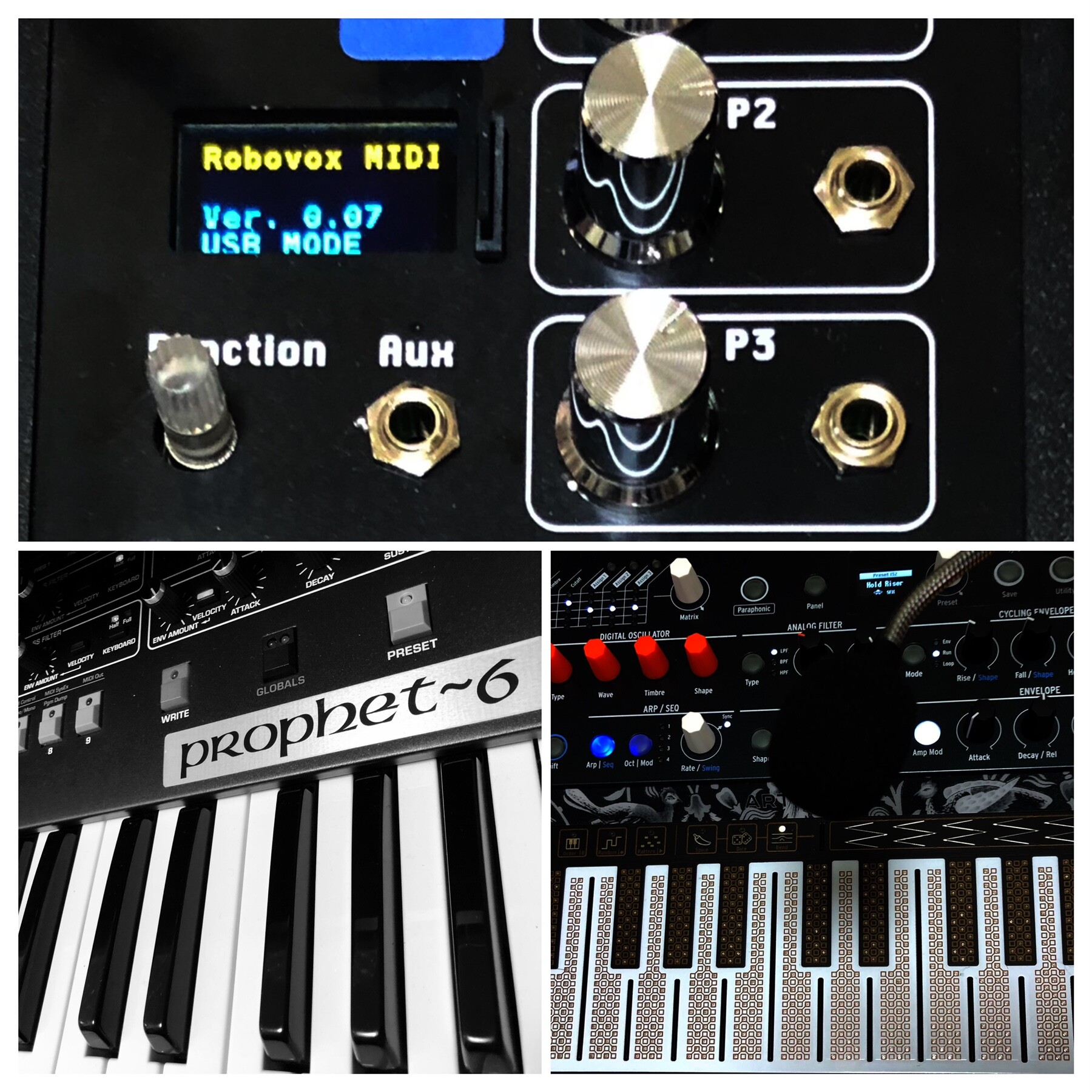
Nexus firmware update

2 new exciting firmware Updates for Nexus!

Enhanced MIDI Functionality:

  • Text and Phoneme via MIDI: Send text or phonemes directly through MIDI.
  • Sequencer Integration: Pre-store phoneme or text sequences in your piano roll. Add a “Speak” note at the end to activate speech.
  • MIDI controls to adjust your Nexus device’s speech characteristics in realtime
  • 20k Word Library: Access a vast collection of pre-made MIDI words, ready to drag and drop into your favorite sequencer.

Phoneme Mode:

  • Simplified Selection: Easily choose from essential phoneme groups like “Vowels” and “Consonants.”
  • User-Friendly Controls: Straightforward pitch and speed adjustments, perfect for beginners in speech synthesis.
  • Simple Activation: Get started with just a gate signal.


Sino vox : now with keyboard input

Two updates to the Sino vox firmware :

  1. update : in  the number function, it is now possible to trigger the speech from the main button
  2. new: keyboard mode

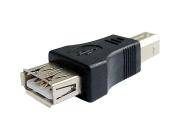
Connect a USB keyboard to the USB port using the gender changer adapter.

Do not use this port to power something apart from a standard keyboard.
The maximum current that can be provided is 300 mA.

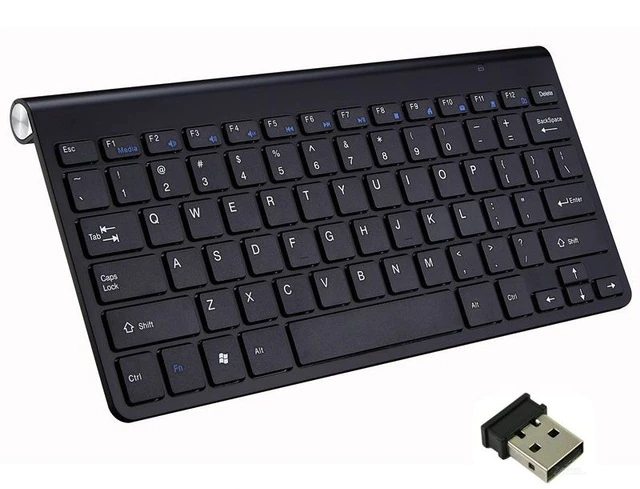
I you need a keyboard, check out this Wireless Keyboard.

Keyboard


​Text Operation:

Type the text and press Enter to start the speech. (The Function button is also active)
Use the Backspace to delete the last character.
Use Escape to erase the string and start over.

Use the five potentiometers to alter the Speed, Voice, Pitch, Volume, and Language (Pinyin or English)

The busy signal goes up while a key is pressed. (if you want to trigger external sounds, for example)

Firmware

more info in the user manual


New text-to-speech module : Nexus vox


A truly remarkable pair of chips power up the Nexus vox.
These chipsets translate plain English text into speech in real time with complete dynamic control of the voice characteristics.

The TTS processor utilizes RC Systems’ DoubleTalk TTS technology, based on a patented voice concatenation technique using actual human voice samples.
Voice control parameters, such as speed, volume, tone, pitch, and expression, can also be embedded within the text stream for dynamic, on-the-fly voice control.
There is even a real-time reverb effect!

A serious competitor for the Vax vox module!

Say tuned for more demos…


SPO vox : reading phonetic files

SPO vox can read phonetics files from the microSD card.

Store your vocabulary in a text file and use “.SPO” for the extension

The structure of the file has to respect the following :

A label, followed by the allophone list, each separated by the \ character

1: \WW \AX \AX \NN1
2: \TT2 \UW2
3: \TH \RR1 \IY
4: \FF \FF \OR
5: \FF \FF \AY \VV
6: \SS \SS \IH \IH \PA3 \KK2 \SS
7: \SS \SS \EH \EH \VV \IH \NN1
8: \EY \PA3 \TT2
Empty line

Check the manual for the list of the supported allophones

📌 don't forget to add an empty line at the end of the file.

I also uploaded a dictionary of 130.000 words in phonetic format to get you started.

As usual, Emy sends the label over serial communication on the USB port. Here is another example where TouchDesigner is receiving the labels :

If you want to get started using TouchDesigner, also check this file

: all it does is connect to Emy and display the text on the screen


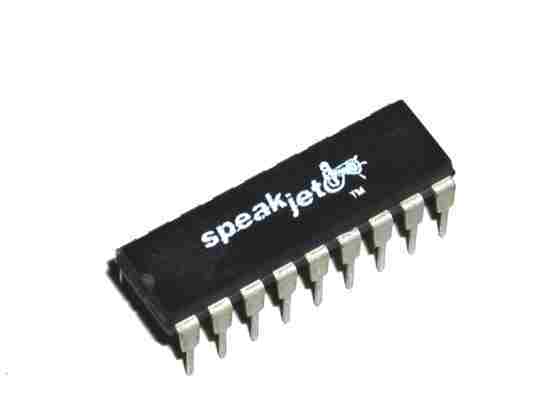
New add-on voice: SpeakJet vox

I guess that I don’t have to present the SpeakJet anymore 😉

Let me highlight some of the functionalities that make this chip a very entertaining one to operate.
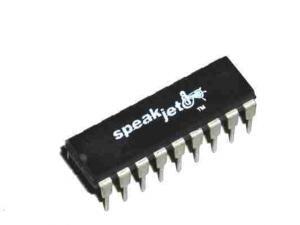
The chip

Natural phonetic speech synthesis.

SpeakJet uses allophones that can be chained to produce words, but it continuously calculates how to best transition them for a realistic speech.

Four special prosodic codes (\SLOW \FAST \STRESS \SOFT) allow the user to fine-tune the expression of the next allophone : 

alphabet: \AY \LO \FAST \FF \FAST \AX \STRESS \SOFT \BE \EY \SLOW \TT

Further tuning with the Rate, Pitch, Bend, and Volume parameters adds to the quality of the speech.
These parameters are fully accessible via CV control.

43 sound effects, and 12 DTMF Touch Tones

Using these sound effects can create authentic glitches and beep sequences. 

Programmable, 5-channel synthesizer

The SpeakJet is also a tone synthesizer that can create complex sounds (this is not covered by our code yet)

Our code

In this first code release, I implemented the following functions :

Allophone 

The user can choose which group to play: Vowels/Voiced/Voiced Stop/Voiceless/All Allophone/All Effects/DTMF

The priority can be given to:

  • the Gate signal (Gate mode)
  • optimized transitioning (Queue mode)
  • to the allophone timing itself (Speech mode)

Number

There are three modes to generate numbers: CV controlled, Looping or Random.

SD DIC

The code will read a phonetic file and allow the user (or the code in the loop and random mode) to choose a line from that file.

Example of the file content:

along: \UX \LO \OH \OH \SLOW \NGO
alpha: \AY \LE \FAST \FF \UX
alphabet: \AY \LO \FAST \FF \FAST \AX \STRESS \SOFT \BE \EY \SLOW \TT
already: \AW \LE \FAST \RR \EY \DE \IY
also: \SLOW \AW \SLOW \LO \SLOW \SO \OWWW
although: \FAST \OH \SLOW \LO \DH \SLOW \OWWW
always: \SLOW \AW \LE \WW \EYIY \SLOW \SE

There is a huge collection of words to get you started :

    User control

    The potentiometer P1-P5 affects the pitch, rate, bend, repeat, and volume.

    While playing with the interface, the display contextually shows the information about the changes made (rotary, switch, and potentiometers)

    A long click brings the user back to the main menu.

    A double click in the SD DIC mode brings the user to the file selection menu.

    There is a screen saver that will activate after 10 minutes. Turn the rotary to reactivate the display. 


    World’s end sequence : sounds from Osaka

    Check this track from World’s end sequence
    I am sure you will recognize some typical sounds source 😉

    world’s end sequence · LOVEBEAT Imaginary continuation :Re(Image of DEMO & LOOPS_Track)

    Here is World’s end sequence’s comment about it :

    I like to listen to electronic music such as KRAFTWERK, YMO, Yoshinori Sunahara, Cornelius, etc.
    I just learned about the POLAXIS speech synthesizer the other day and haven’t mastered it yet, but it’s a very creative machine. The world of voice synthesis is very deep.
    I haven’t met Jean-Luc yet, only by e-mail, but I like his personality very much.
    This song is an imaginary continuation of Yoshinori Sunahara’s 2001 masterpiece, “Lovebeat”, based on his short outtakes.
    I hope to see you again in the next song.


    Also, check this reconstruction of The Robots :

    world’s end sequence · We Are The Robots_Kraftwerk


    Help us find the tagline that speaks to you

    https://www.polaxis.be/forum/topic/help-us-find-the-tagline-that-speaks-to-you/#postid-20


    Andrew Shaw latest Kraftwerk cover : Tribal / Nummweltverschmutzung

    Another incredible piece of work by Andrew Shaw.

    As in all of his tracks, Andrew has put together a perfect cover of a Kraftwerk song, here: Tribal / Nummweltverschmutzung.

    Beyond his numerous musician skills, Andrew is also a meister in taming the Votrax SC-O2 chip included in the Robovox.

    In this track, the chip capabilities are pushed to the max, so I had to ask Andrew how he did it. I wanted to know if he used the external carrier audio input to achieve these results.

    He did not.

    He is pitching the chip and heavily modifying the staccato function in the PEC VST plugin :

    Pitching the chip

    He also used  CC3 to drive the control rate ( movement of the formant position – see the SC-02 datasheet) at near its max value to make it sound more choppy.

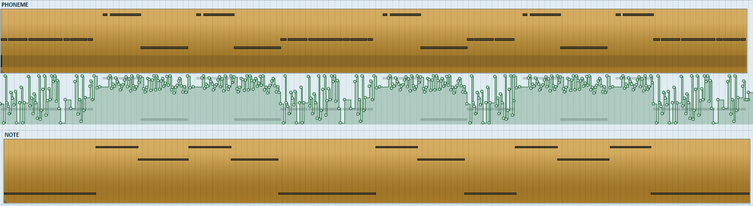
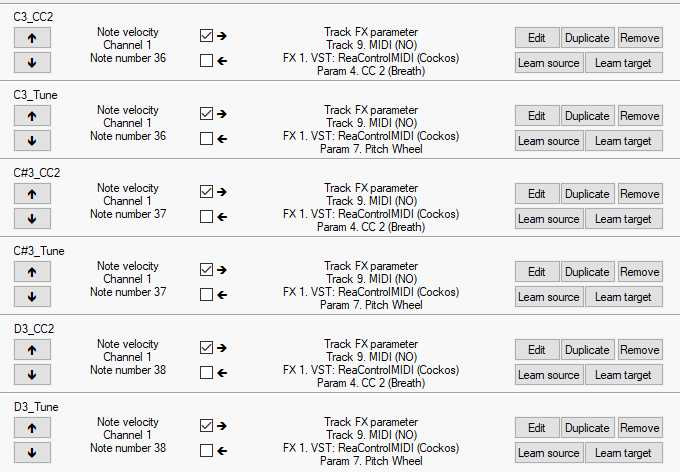
    Here’s a picture of just some of the automation done in Reaper,  driving the note pitch (CC2) and the master clock (CC1) 

    automation


    Andrew kindly shared the Votrax MIDI file so you can download it and test it on your Robovox

    Andrew supposes that there are a few parts for this where Florian presumably used two chips at different pitches.

    Andrew had to work around this by recording the Votrax through a harmonizer – it won’t be quite the same with this “simpler” midi file.
    (I just played it on my system : it is still very fun and impressive)


    Ezzential Electro

    Electro Records is working on a collection of 36 vinyl records collaborating with 36 different artists they consider essential to understanding the current electro music movement.
    They have released the first six records, and you can hear them here: https://www.electro-records.com/catalogo/ezzential-electro/660/.

    Transpac is one of the artists making beautiful and mesmerizing music with an excellent retro style.
    He is certainly using some of my speech synthesizers. (also here: https://www.electro-records.com/catalogo/sci-fi-electro/585/)

    Check this track by Transpac on the album Telecommunication. Track B2 Minitel.
    Can you guess which module is in action ? I think this is the Mea Vox!