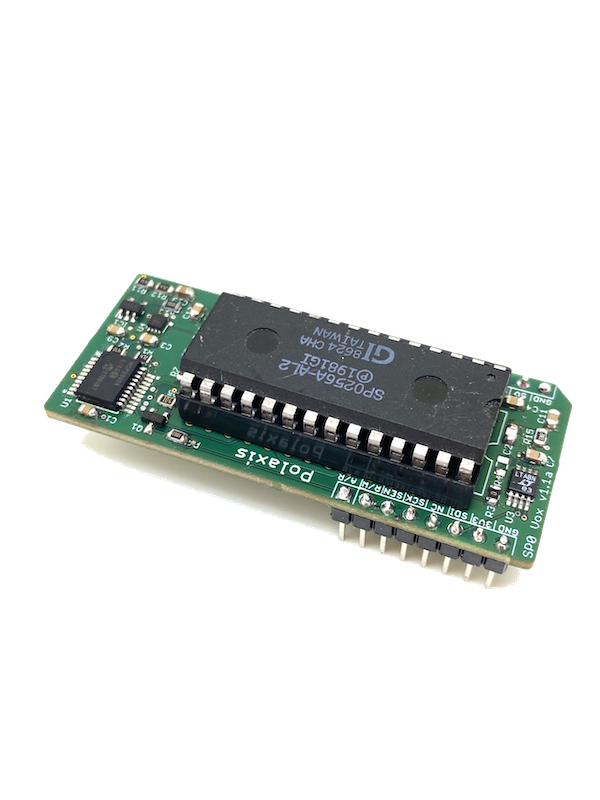
Sino vox : now with keyboard input
Two updates to the Sino vox firmware :
- update : in the number function, it is now possible to trigger the speech from the main button
- new: keyboard mode
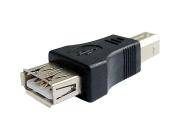
Connect a USB keyboard to the USB port using the gender changer adapter.
Do not use this port to power something apart from a standard keyboard.
The maximum current that can be provided is 300 mA.
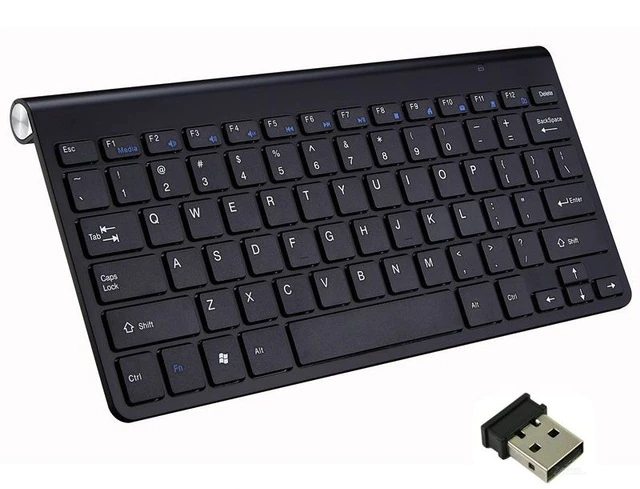
I you need a keyboard, check out this Wireless Keyboard.
Text Operation:
Type the text and press Enter to start the speech. (The Function button is also active)
Use the Backspace to delete the last character.
Use Escape to erase the string and start over.
Use the five potentiometers to alter the Speed, Voice, Pitch, Volume, and Language (Pinyin or English)
The busy signal goes up while a key is pressed. (if you want to trigger external sounds, for example)
Firmware

more info in the user manual