TouchDesigner basic
A simple ToucheDesigner network to get you started.
It receives the text from Emy and fits it to the screen while adding some cool Neon effect.

- Connect Emy via USB
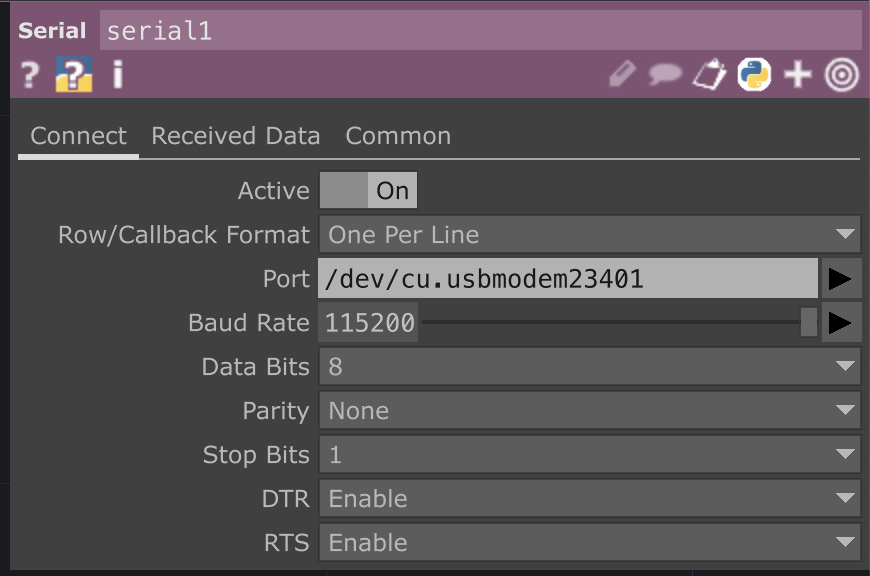
- Click on the node labeledlled “Serial1”
- Pick the correct communication port
- Press F1 to display on full screen
- Press F1 to stop the display