Polaxis Voice Designers
Polaxis browser tools
Voice Designers
Shape the voice characteristics of compatible text-to-speech engines. Each designer exposes the parameters that belong to its own speech engine.
Three different voice engines
Choose a designer
Open the designer that matches the Vox board installed in your instrument.
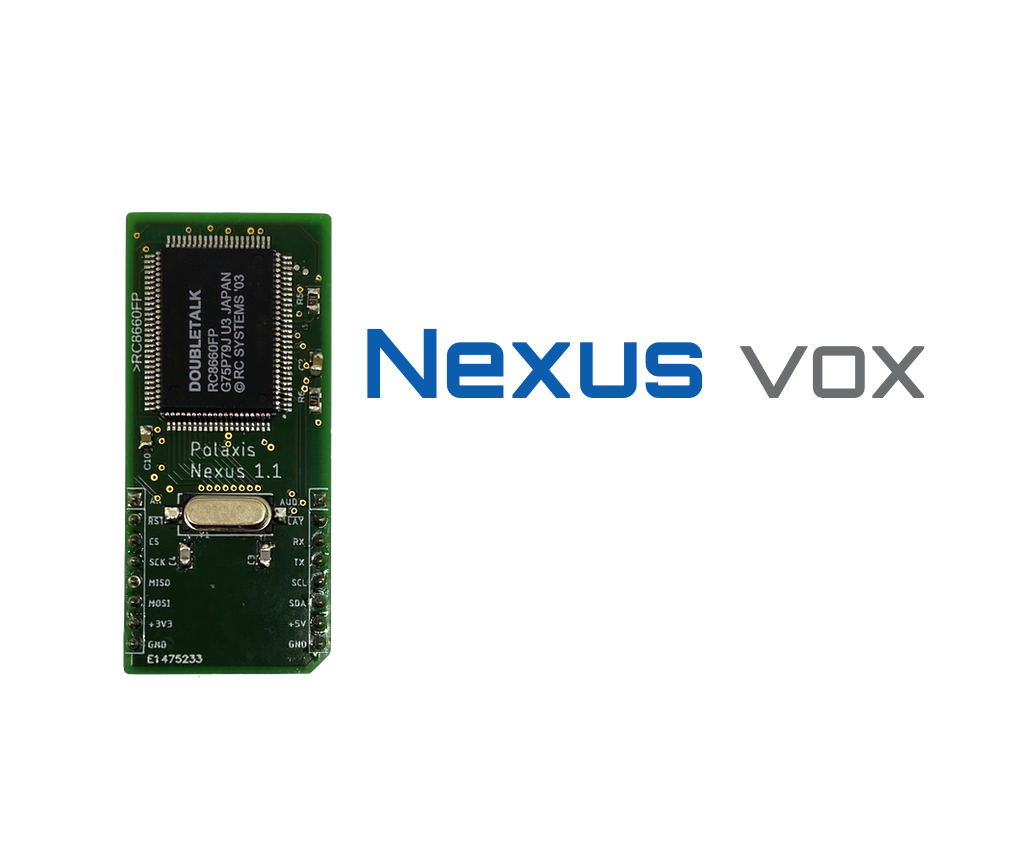
Nexus Vox Designer
Explore the Nexus voice controls and shape a voice before using the resulting settings with Nexus Vox.
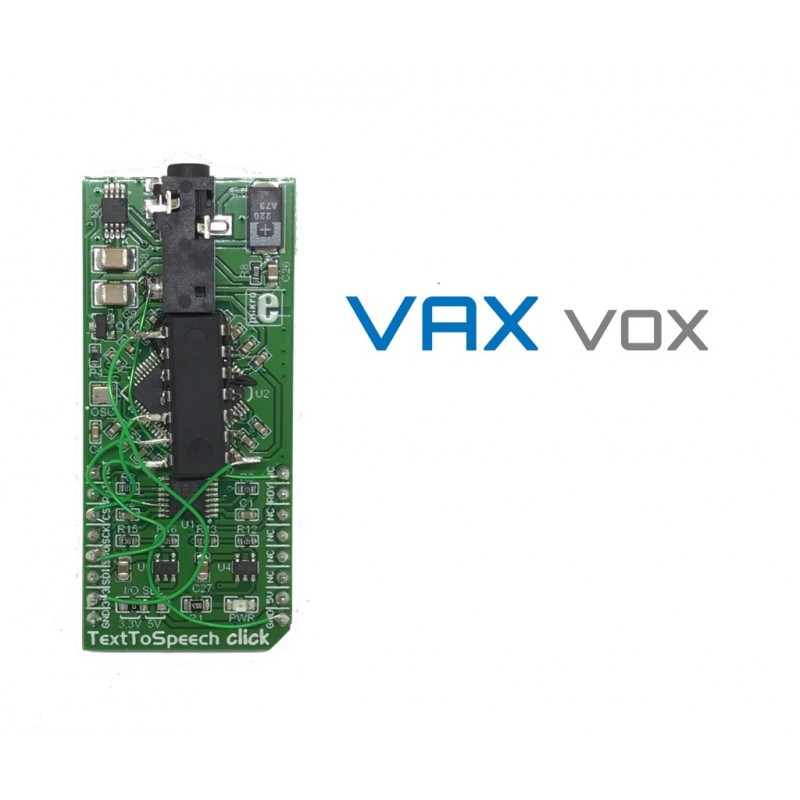
VAX Vox Designer
Adjust DECtalk-style voice characteristics for the VAX Vox speech engine and prepare settings for your instrument.

Sino Vox Designer
Choose and shape the voice settings available to the Sino Vox text-to-speech engine.
Designer or translator?
A translator turns text into the phonemes or allophones required by a speech engine. A voice designer changes characteristics such as pitch, speed, formants or expression. The exact controls depend on the selected engine.