Nexus Vox
Features
- Converts any ASCII text into speech automatically
-
Real-time control of speed, pitch, voice, reverb, volume
CV control
- Voices (11)
- Speed
- Formant
- Reverb
- Expression
- Pitch (in Phoneme and MIDI mode)
These controls can be applied in real time while speaking!
Inline commands
The text string can contain commands to adjust the voice on the fly
$1o $2s I am Vader and I speak slowly
Phonetic to speech
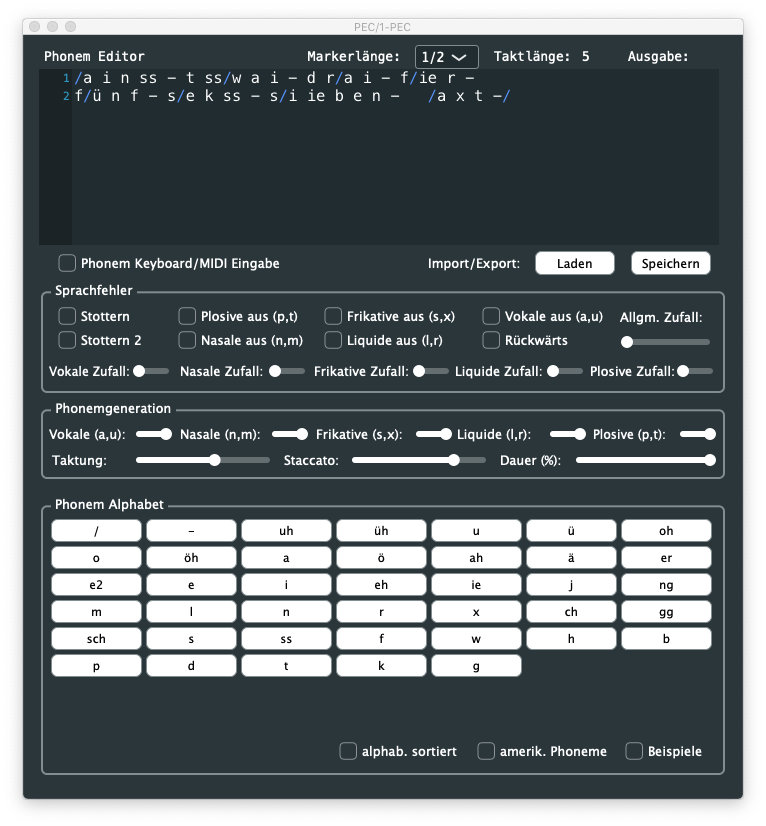
The speech can also be generated by stringing phonemes and prosody to control the pitch, speed, and volume.
k ax m p yy uw dx er
Computer

//h aw -/d>/eh r +<\yy uw s p iy k t uw m iy dh ae t -w ey .+/
How dare you speak to me that way!

/ increase pitch. + inscrease speed > increase volume
 decrease pitch. - decrease speed < decrease volume
Phonemes mode
Allows for the easy selection of fundamental phoneme groups, such as “Vowels” and “Consonants,” and provides straightforward controls for pitch and speed adjustments.
While providing fundamental control over pitch and speed, it’s a straightforward function ideal for those just starting their journey in speech synthesis and sound exploration.
This requires just a gate signal to get started…
Latency
From the Gate signal to the start of the speech, the latency is relatively tiny: 30 ms to 80 ms.
MIDI
Full MIDI control over the voice characteristics.
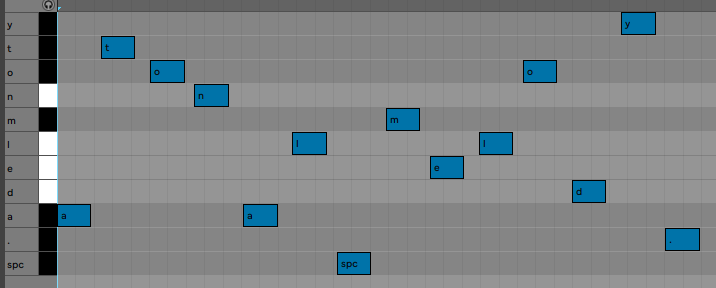
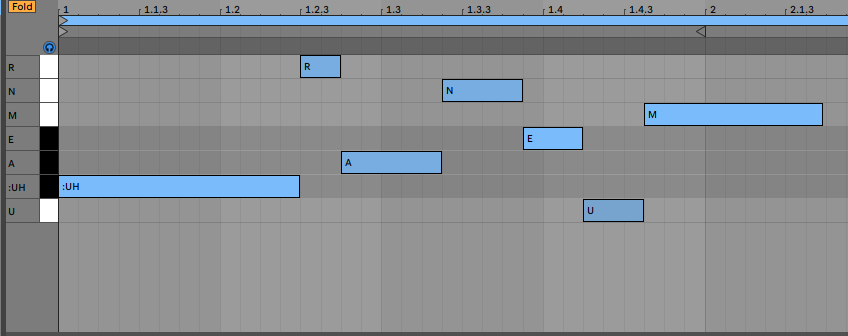
Phonetic, Phoneme or Text to speech from MIDI notes.


Nexus Alphabet MIDI effect rack for Ableton Live
Nexus Phonemes MIDI effect rack for Ableton Live
Firmware

Text files

Phonetics 0.32 KB 34 downloads
Check this file showing how to use the phonetics commands Nexus Phoneme Symbols PhonemeExamplePhonemeExample Adas...
Commands 0.28 KB 29 downloads
Text with embedded commands Nexus commands Use the $ symbol to add a command in your...
Stand alone
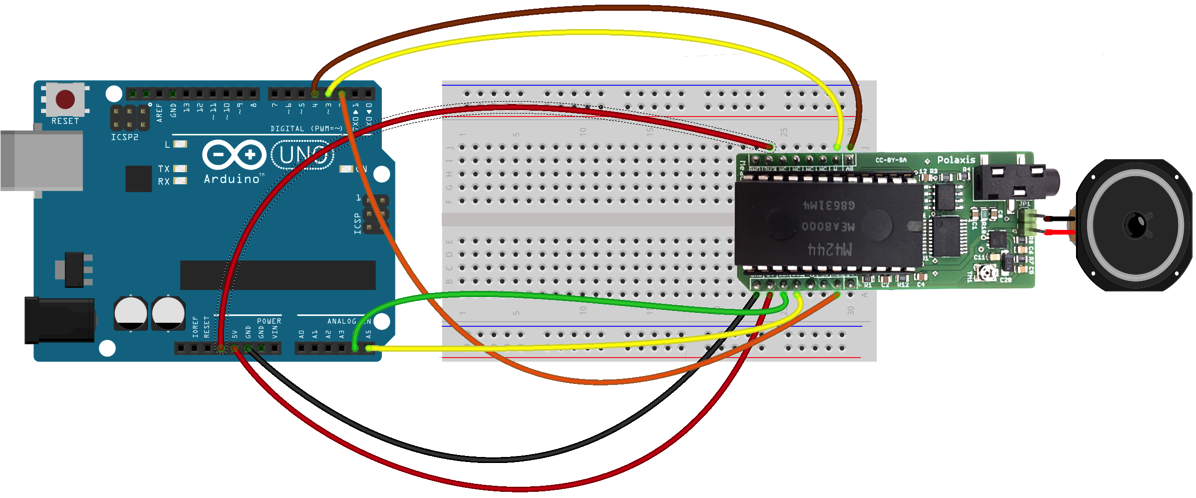
You can easily connect Nexus to your preferred microcontroller (here the Raspberry Pi Pico) using a simple serial interface.
Click the image below to learn more

Media